Ways to Set Up a Website with HubSpot CMS Hub Themes
HubSpot CMS themes for websites are a reliable platform for creating and managing dynamic websites. While it offers all the capabilities required to create a useful website, building one from scratch is a challenging task that calls for some technical expertise. HubSpot themes come into play here and are a collection of pre-built assets. They can be used to build websites even without any coding knowledge because they are entirely configurable. HubSpot marketplace themes are collections of modules, style options, templates, and global content that you may combine and match to build the website of your dreams.
In this article, we will walk you through the best practices of using HubSpot CMS themes while setting up a website:
1.Use Few Themes
When it comes to themes, less is more. The HubSpot CMS themes for websites allow you to maintain a consistent aesthetic across your whole website. This will help you stay on task while you create various page kinds and guarantee a satisfying user experience.
To keep your website consistent, use a few HubSpot themes. Aim to have one theme, preferably the one produced by a developer, or customise themes with a version of one of HubSpot’s pre-built themes.

2.Set Your HubSpot Theme Styles
Set your global HubSpot themes style before starting to set up your website. In this manner, you will always have brand colours, fonts, and other styles available. You’ll save a lot of time and maintain the coherence of your website by doing this.
3.Use Appropriate Image Sizes for Pages
We all know how important visuals and photos are in communicating your brand, but they can also have a big impact on how users interact with a website. Your sites will load more quickly if you have images that are of the right size. Therefore, even while the greatest size may appear the nicest, it also makes your consumers wait, potentially long enough for them to decide not to stay on your site.
Upload photos with the proper proportions for the sharpest possible results. If the template calls for a 130px by 130px logo, you should provide the file with that precise dimension.
4.The Number of Web Fonts Should be Limited
Understand your brand’s standards with the help of the marketing team, and transfer your brand’s current typefaces on the website. A primary typeface and a secondary font are what you should aim for. In your theme options, you can configure these. Once your preferred fonts have been added to the theme settings, you can use them anywhere, including in headers, buttons, forms, and body copy.
5.Improved User Experience with Different Website Pages
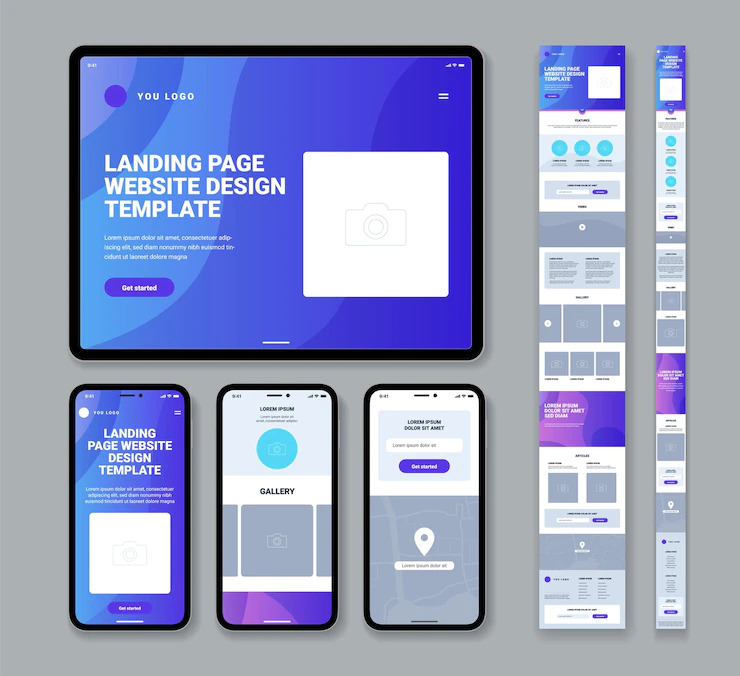
A system page is a typical website page, like an error page or a search results page, so make sure to improve the user experience by leveraging the blog page and templates.
- 404 and 500 error pages to inform users when they reach a nonexistent page or when a technical problem arises.
- The password prompt page will ask you for your password to access any password-protected material.
- The subscription preferences page allows your email subscribers to alter the email kinds to which they are subscribed and to unsubscribe from all emails. To interact with your contacts throughout the subscription process, update this template (e.g., explain how your contacts can opt back into particular email types so they can resubscribe if they change their mind).
- The confirmation page that shows when an email recipient modifies their subscription options is known as the “Subscriptions Update Page.”
- A page displaying search results appears when site visitors conduct a search.
6.Set Up Your Colour Picker Favorites
Make rapid definitions of primary, secondary, and tertiary colours using colour pickers. Set your brand’s colours to your colour picker so you can quickly access them from anywhere on the website by using main, secondary, and tertiary hues.
7.Create a Content Mapping Plan
You will need a map if you do not wish to get lost in the complicated process of content integration.
It is advised to break down your idea into two broad steps:
- Examine and contrast your page layouts and templates and remember to consider the copy on your current website.
- Review modules that are available in your HubSpot CMS themes for websites. Take this chance to think about how your present website’s copy is being used.
Winding Up!
HubSpot CMS themes for websites are ready to use for many types of websites and campaigns. We at Transfunnel offer a range of resources and tools to keep kickstart your business journey or skyrocket your business strategy. Our marketing automation strategies leverage MarTech and customer insights to accelerate every task involved in your business growth. We are an ROI-driven consultant to drive ethically best practices and find solutions for your business.
Click here to pick a suitable HubSpot theme for your website.